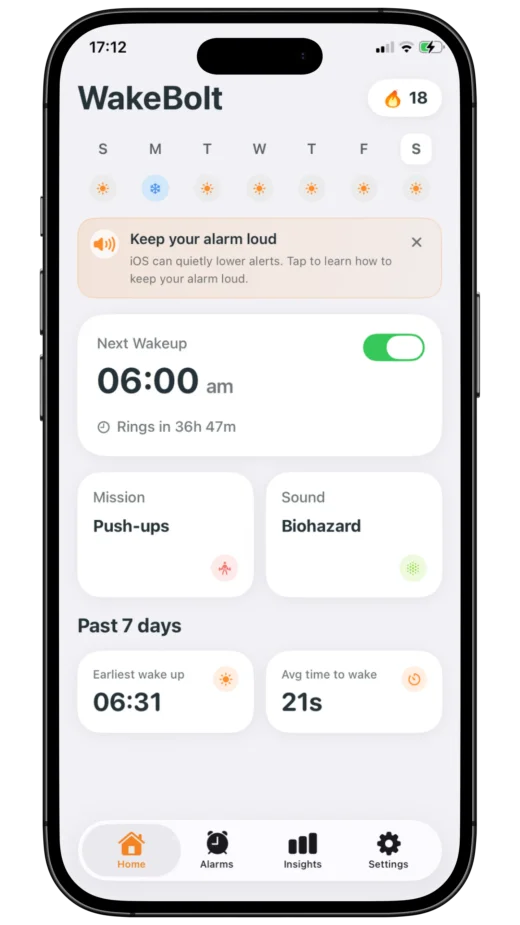
WakeBolt is the most stubborn alarm app on your iPhone, absolutely no snooze button allowed. Want it to stop? Get up and solve math, do squats, read aloud, or snap a photo.
Pick your time, choose an annoying sound, and set the difficulty level of your morning mission.
02
Beat the mission
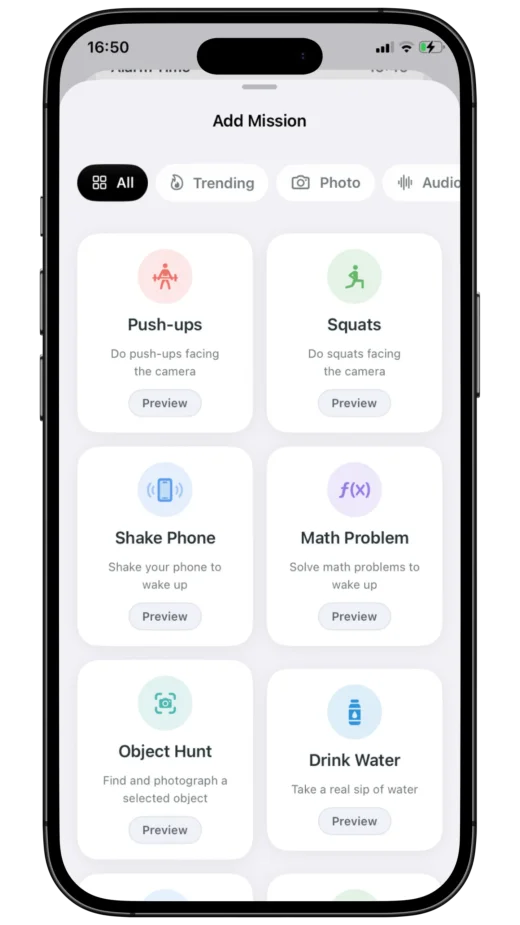
Solve equations, exercise, speak up, or scan an object to prove you're actually out of bed.
03
Track your wins
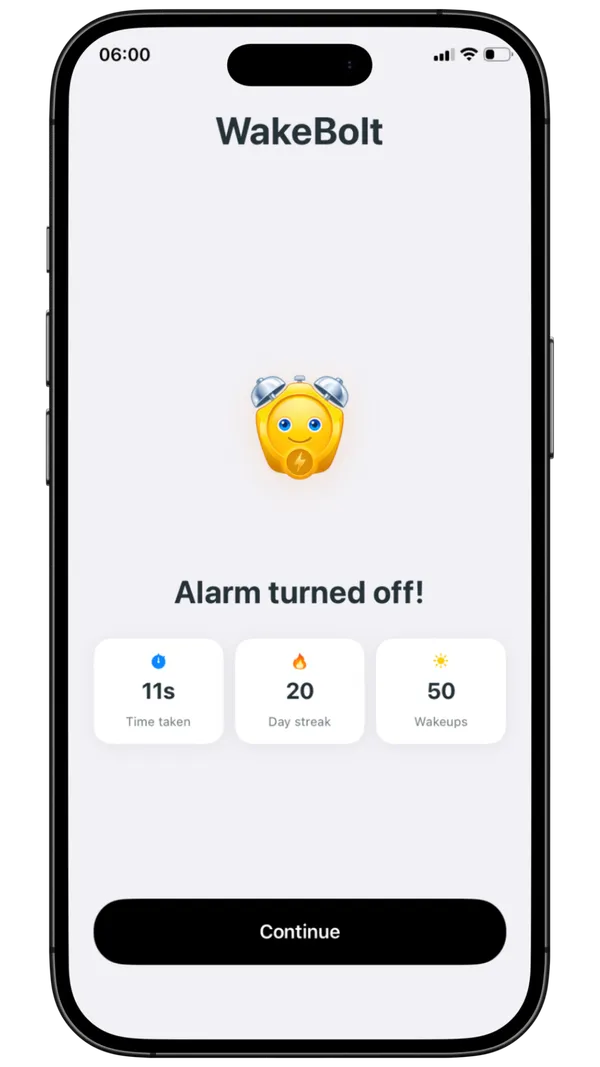
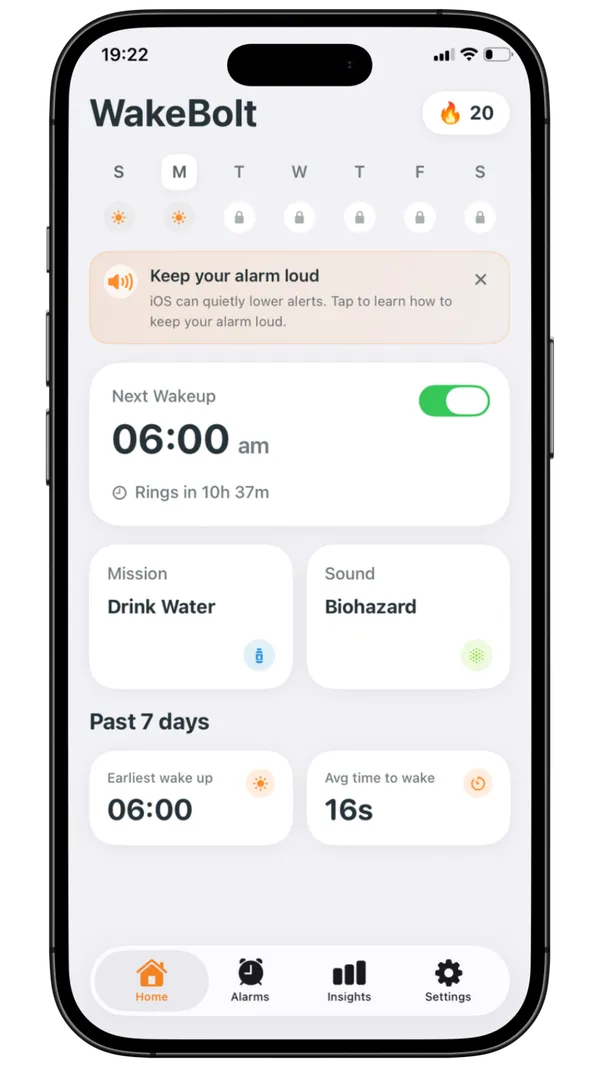
Check your dashboard to see your wake-up streak, earn badges, and ensure you stay awake with Wake-Up Checks.
More than just an alarm
Build discipline, crush your goals
AI Camera Verification
Our smart camera tracks your actual push-ups in real-time. There's no cheating this one!
Wake-Up Streaks
Keep the momentum going and watch your discipline grow. Miss a day? You start from zero.
Progress History
Compare your actual wake-up times against your alarm schedule, week by week.
Distraction Blocker
Temporarily lock out doom-scrolling apps and social media until your morning mission is complete.
FAQ
How does WakeBolt's alarm work?
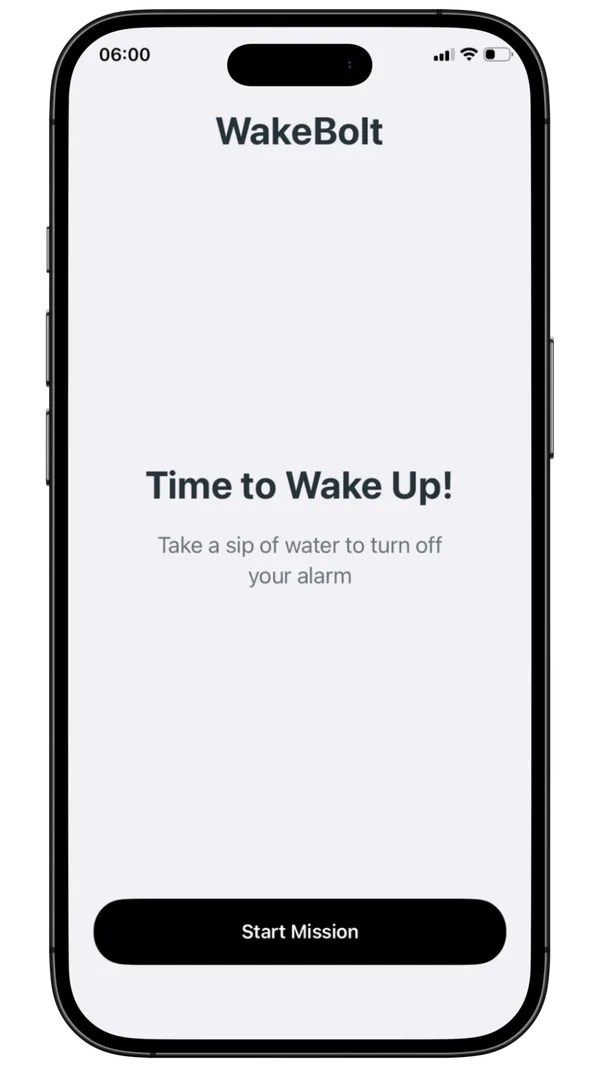
WakeBolt opens a mission flow when the alarm goes off. You complete the selected wake-up challenges before the alarm turns off.
Does WakeBolt work in airplane mode?
After an alarm is scheduled, it rings without a network connection, including in airplane mode. Every WakeBolt mission already runs on your iPhone. Alarm sounds, images, quotes, and Object Hunt detection stay on the device; nothing is downloaded when the alarm rings. Completing Read Quote Aloud can fail if Apple speech recognition needs a network. Streaks still count on your iPhone, and Insights uses that same local history.
How does it know I did the mission?
WakeBolt verifies each mission through the required interaction, such as solving math, shaking the phone, using camera-based movement or proof, or reading a quote aloud.
What missions can I choose from?
You can choose Math Problem, Shake Phone, Push-ups, Squats, Object Hunt, Drink Water, Sky Photo, Touch Grass, Read Quote Aloud, Game Challenge, or Random Mission. Game Challenge is one mission with Wake Arcade mini-games: Memory Flash, Color Rush, Bolt Flight, Quick Tap, and Odd One Out.
How do streaks work?
WakeBolt tracks mornings you complete, longest streak, streak freezes, badges, and Insights so your wake-up history stays honest.
How do app limits work during missions?
With Screen Time permission, WakeBolt can shield apps and web categories during an active mission. You choose the apps and domains that remain allowed.
What if I'm a heavy sleeper?
You can stack up to 3 missions, use louder alarm sounds, enable Wake-Up Check, and review the in-app reliability guide before relying on an overnight alarm.
 WakeBolt